The latest release
Robo Gallery v5.
Nested albums, richer Polaroid cards and tighter layouts. Ten live demos, grouped by what they do best.
What is new.
Unlimited nested albums
Albums inside albums, with no depth limit.
Enhanced Polaroid
A panel with title, tags, zoom and share, on any side.
Justified layouts
Tight rows with Load More or page numbers.
Cover galleries
Give every album its own cover.
Batch upload
Add many images at once.
Ultra HD
Images up to 16K.
Albums that go as deep as you need
Organize big archives into albums, nested without limit, with clear folder covers.
Masonry & Nested Albums
Albums inside albums with unlimited depth. The root gallery holds 8 albums, each with 4 more. Load More pagination, a lightbox, and links or videos on any image at any level.
Horizontal Masonry with Albums
Rows of photos with album covers marked by a folder icon and a soft white hover overlay for the title or caption. Mix links and lightbox images in one gallery.
Justify Grid with Albums
A justified layout with 1-pixel spacing, white folder icons for albums, Google-style Load More and a transparent black hover overlay.



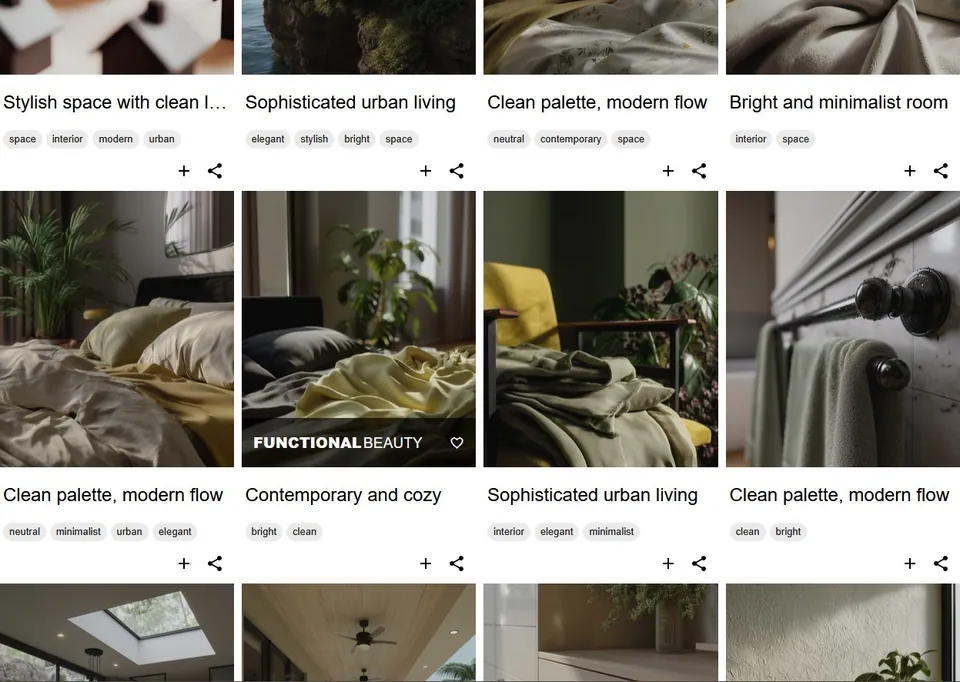
Polaroid cards with real content
Titles, descriptions, tags and action buttons, with the panel wherever you want it.
Top Polaroid Grid
A grid with a Polaroid panel on top of every card: tags, title, zoom and share buttons, and a sleek black hover. Albums and videos work in any gallery type.
Enhanced Polaroid Grid
A Polaroid panel at the bottom of each card, or on the left or right. Linked images show a link icon; the rest open in a responsive lightbox.
Single Column Portfolio
One column of thumbnails, each with a Polaroid-style panel beside it: title, description, tags, and zoom, share and link buttons. The panel can sit on any side.
Grid with Social Share
A light gray Polaroid grid with a transparent hover overlay. Show the caption, zoom and share buttons, plus a title, description and tags in any combination.


Justified rows and flexible grids
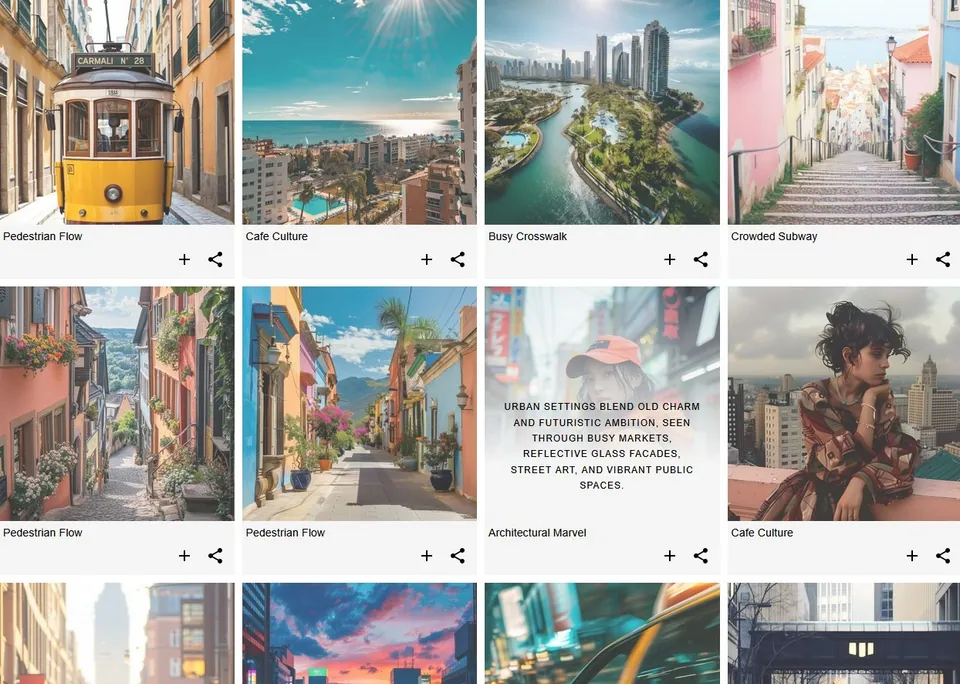
Edge-to-edge rows, Load More or classic pagination, and hover effects you can tune.
Horizontal Masonry
Justified rows with Google-style Load More, an inverted black gradient on hover with title and description, and a lightbox for every photo and gallery type.
Classic Pagination Justify Grid
A justified layout with randomly sized thumbnails and classic page-number pagination. A two-color gradient on hover reveals half the image underneath.
Light Overlay Grid
A responsive thumbnail grid with configurable columns, hover effects and colors. Tune the overlay colors and show social share icons right on the hover overlay.


Looking for the classic demos?
Everything from versions up to v3 works in v5, with extra options. Browse all 58 classic demos, filtered by layout.
v5 is in active development. If you meet an error or an unexpected notice, please tell us.
Hang your first gallery today.
Start with the free version from WordPress.org and upgrade whenever you need more layouts, themes and sites.